How to use QTK FREE
Five simple steps to organize a Swiss-system tournament, from player registration to final standings. Screenshots show the English interface.
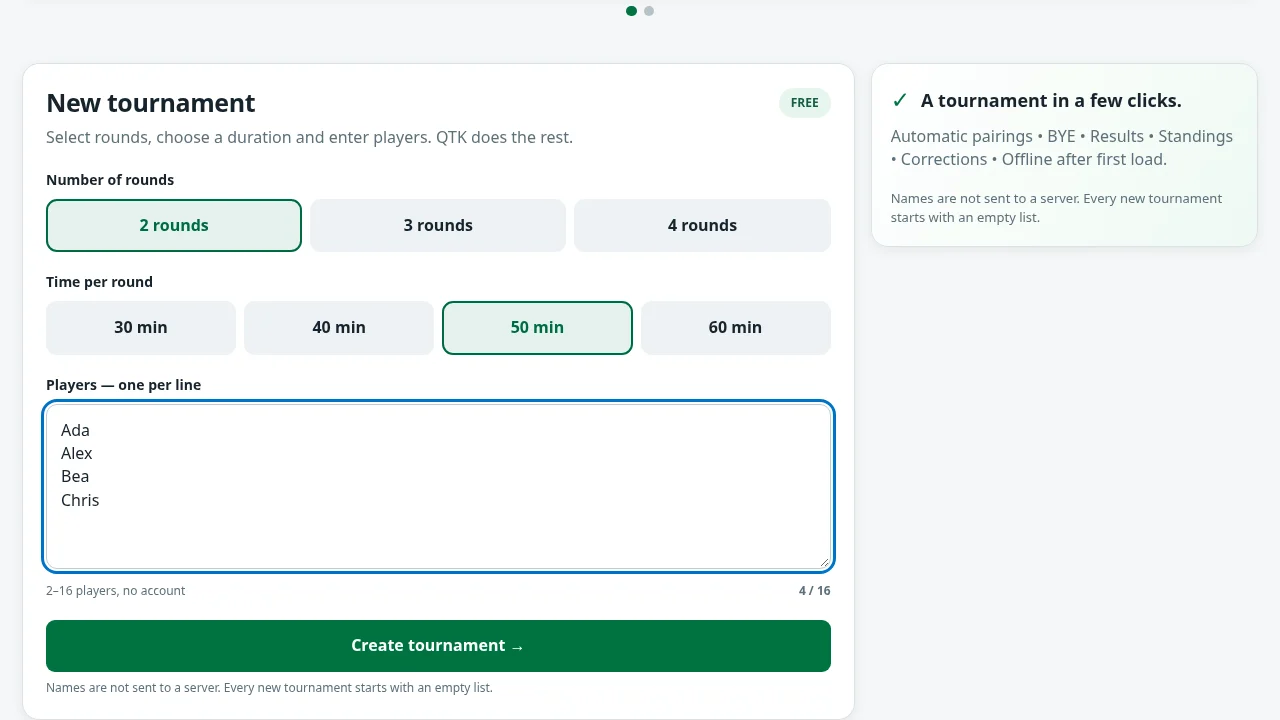
Create a tournament
Choose 2, 3 or 4 rounds and the round duration. Enter one player name per line, then choose Create tournament. Round 1 appears immediately.
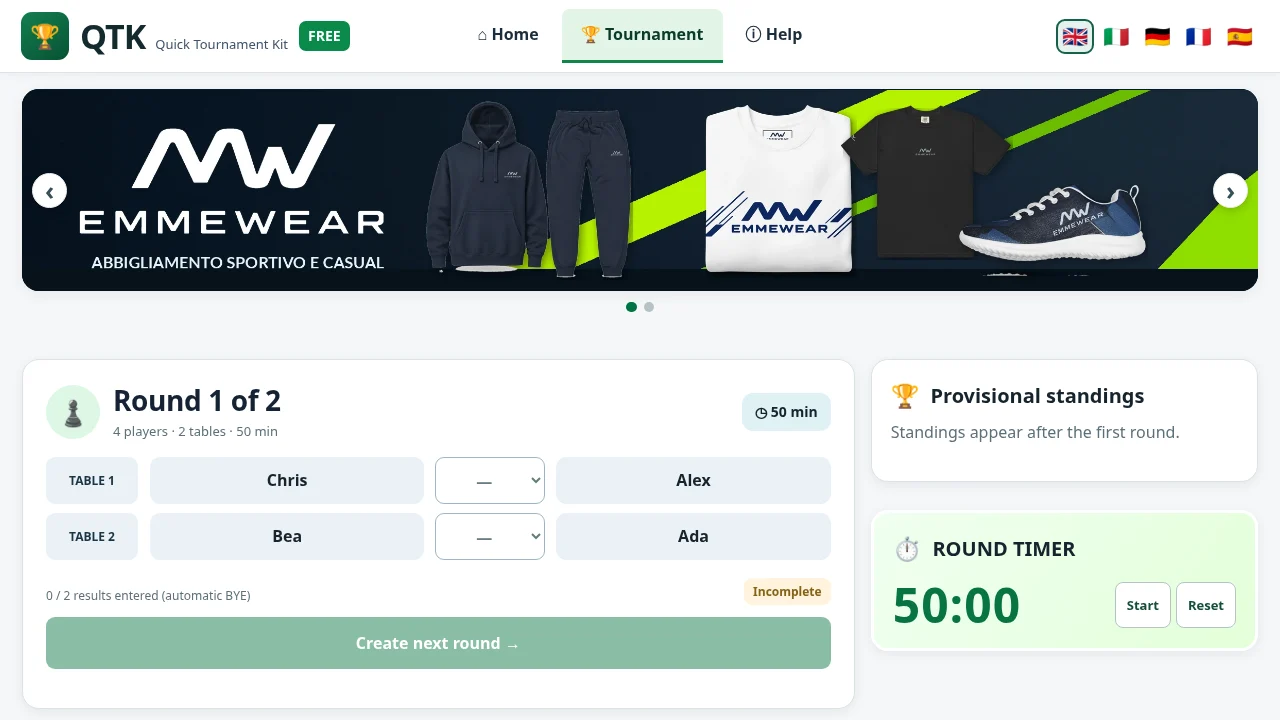
View pairings and enter results
Each row contains two equally sized player fields with a score menu between them. If the number of players is odd, QTK assigns an automatic BYE.
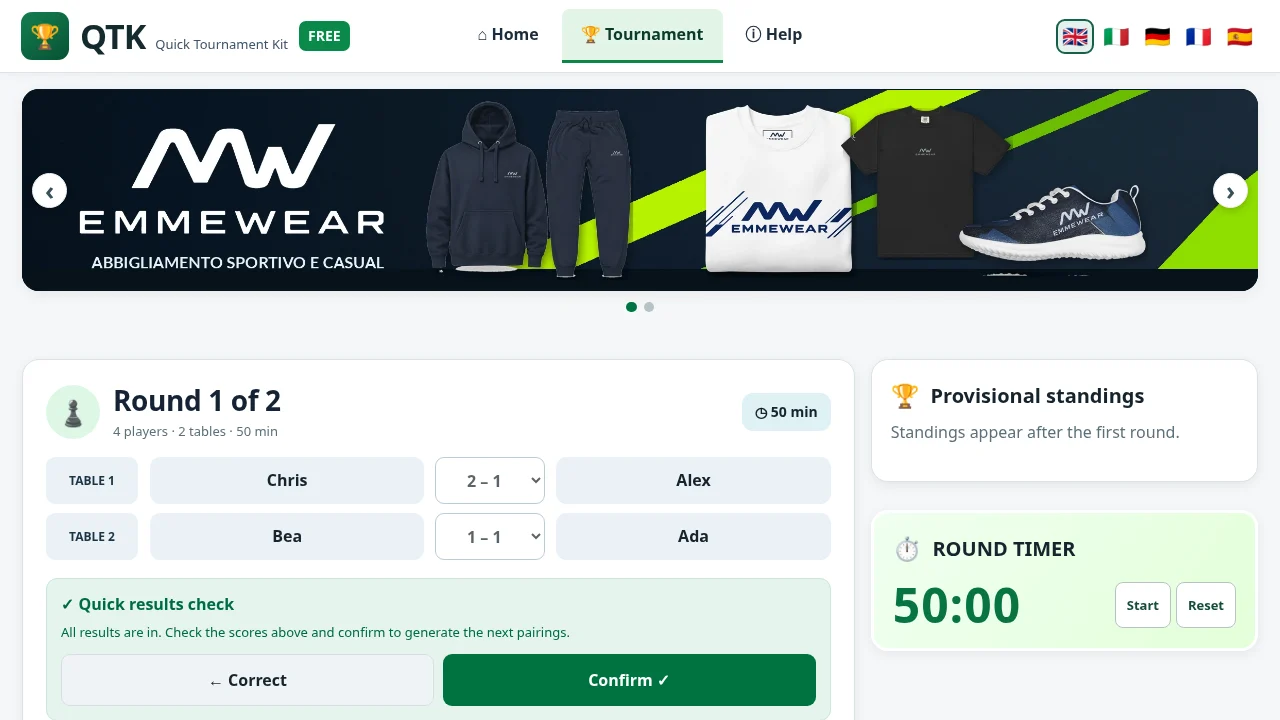
Check results before advancing
Enter a result for each match. Select Create next round, check the summary and Confirm. Select Correct to return without advancing.
Follow the standings and timer
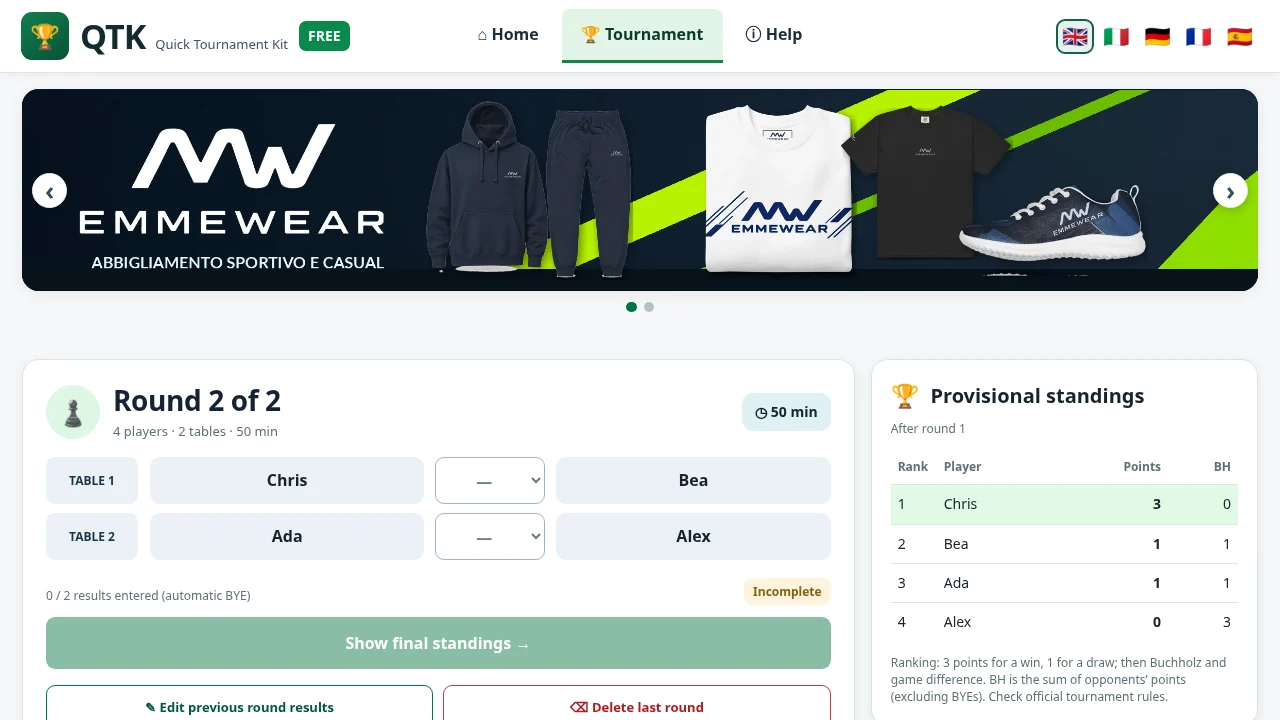
From round 2, provisional standings reflect completed rounds. Start or pause the timer as needed. Previous results can be corrected, and the last round can be removed.
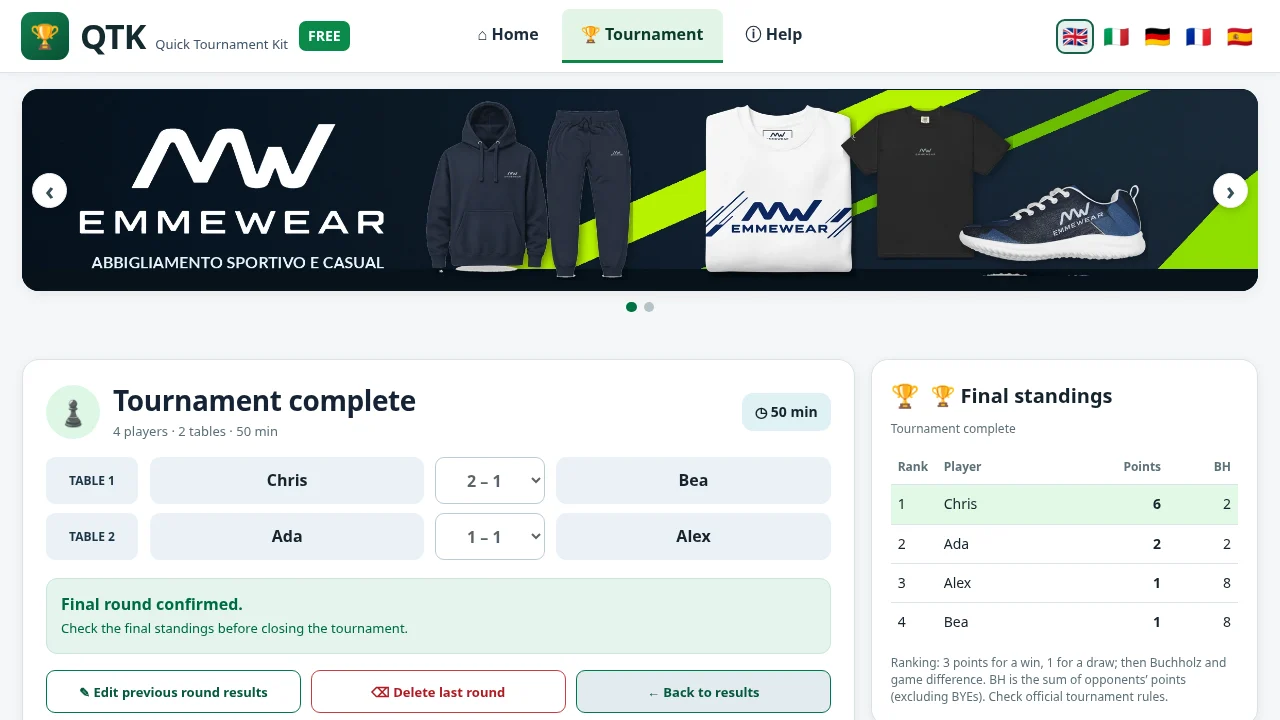
Review and finish
After the final round, review the complete final standings. Only then select Finish tournament and delete data. QTK FREE does not keep an archive.